Local-first Jira, Linear, and GitHub triage
Native desktop workflow with instant search/filter behavior and less context switching.
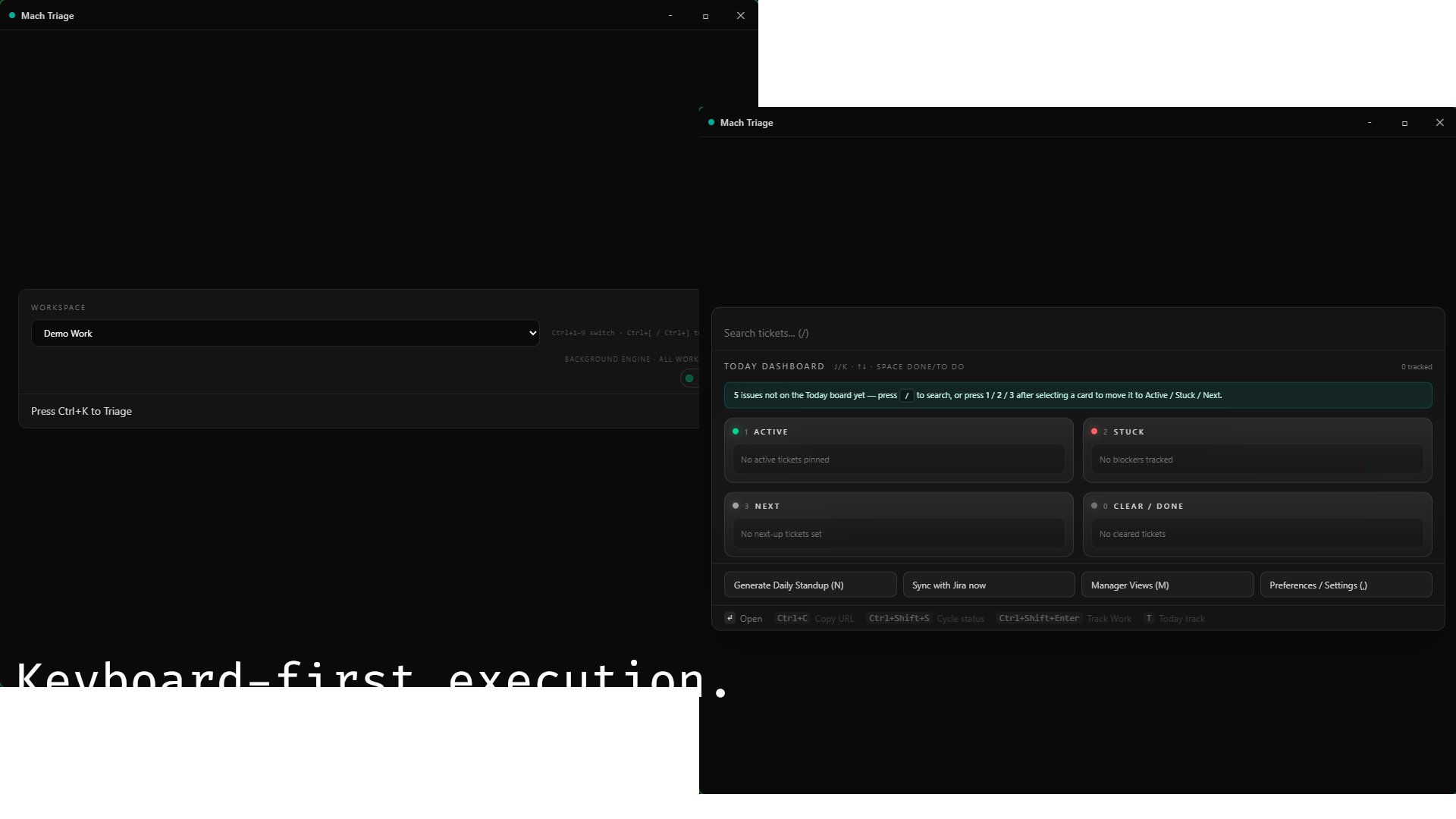
 Mach Triage
A desktop-first ticket workflow that keeps triage fast, local-first, and focused across Jira, Linear, GitHub Issues, and local workspaces.
Native desktop workflow with instant search/filter behavior and less context switching.
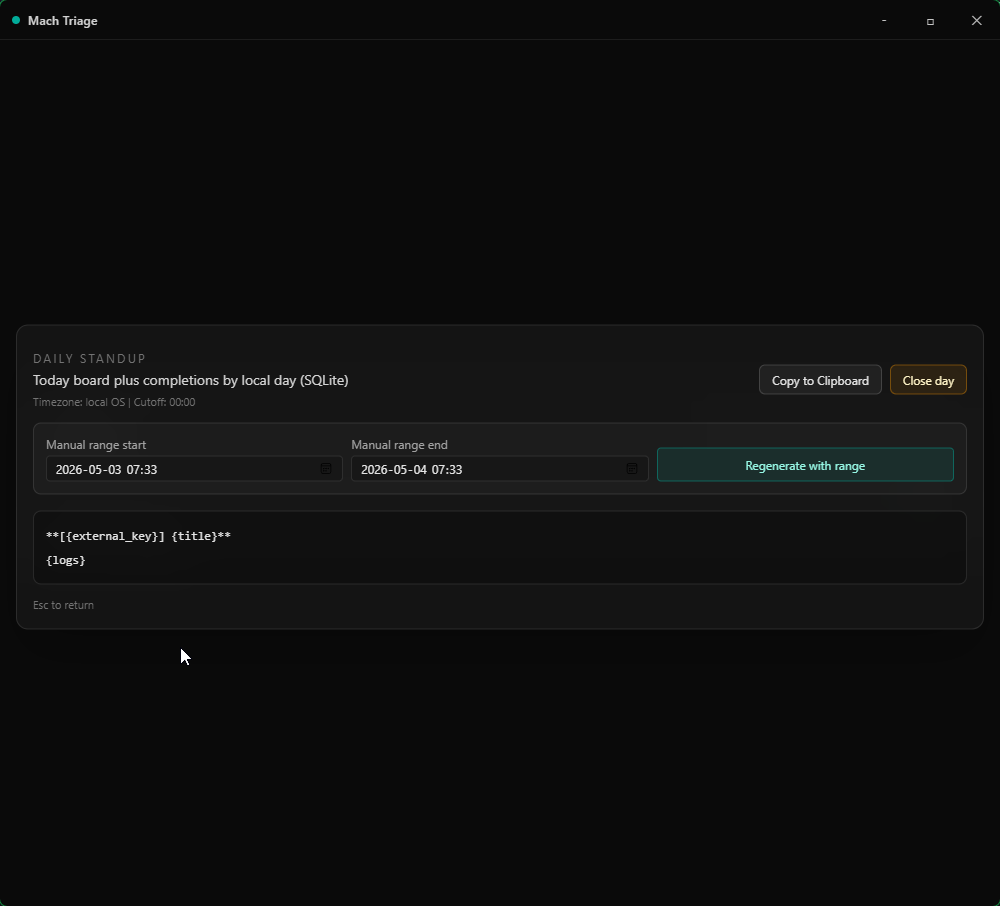
Generate updates from your actual ticket activity so daily syncs stop stealing deep-work time.
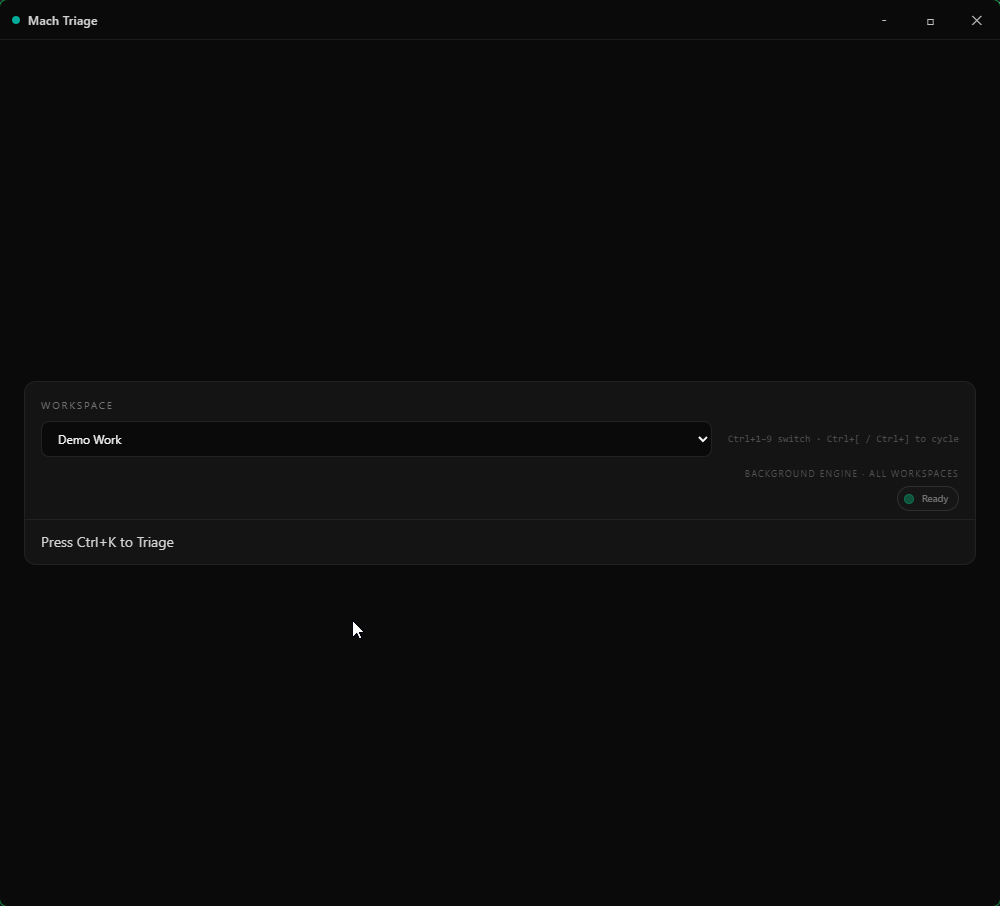
Handle multiple workspaces from one place without browser tab sprawl. Free includes one workspace slot.
Search, triage, and log work from Raycast via a localhost bridge. See Raycast docs for setup.
Searchable local notes and snippets beside triage: pin a strip, open a wide editor when you need room.
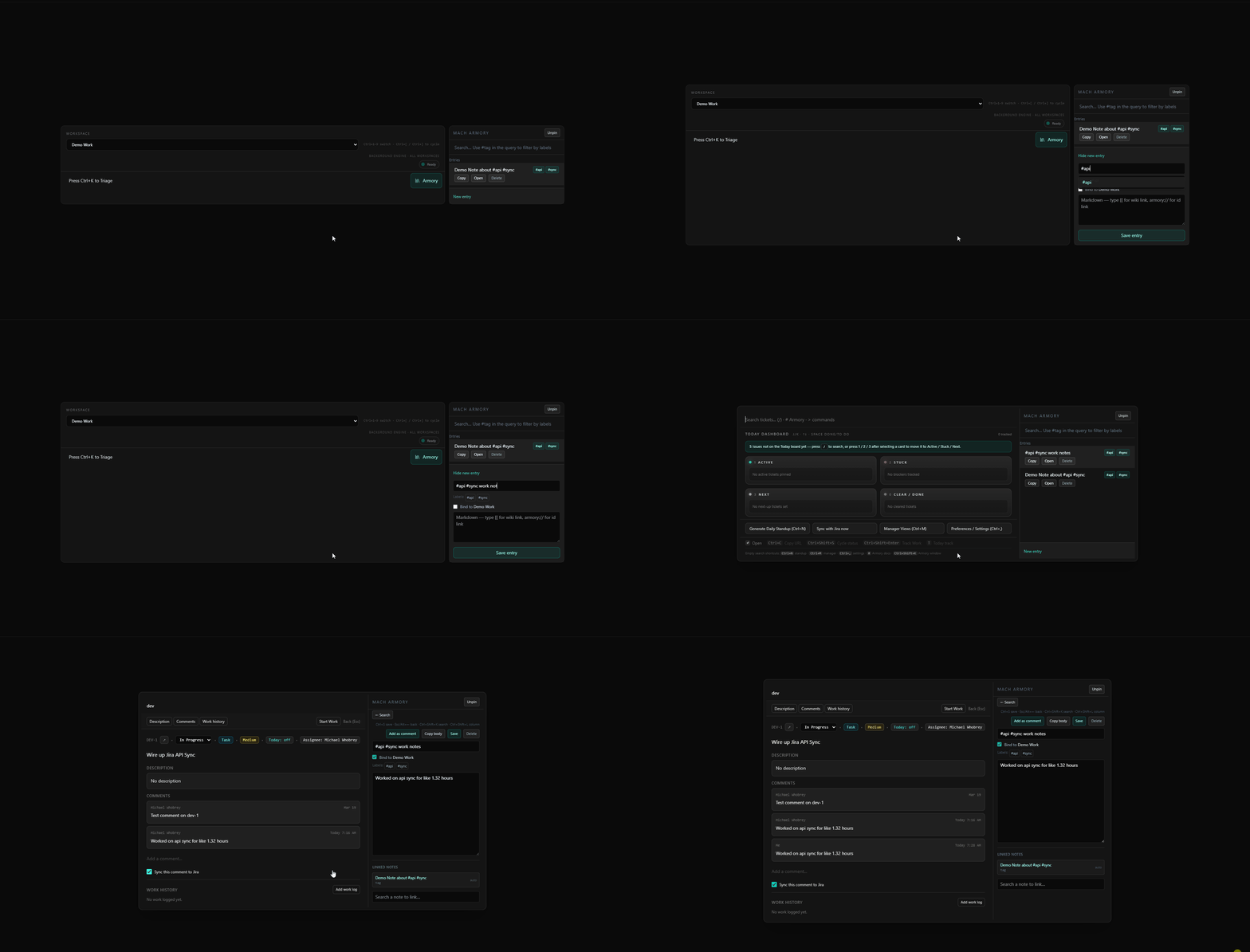
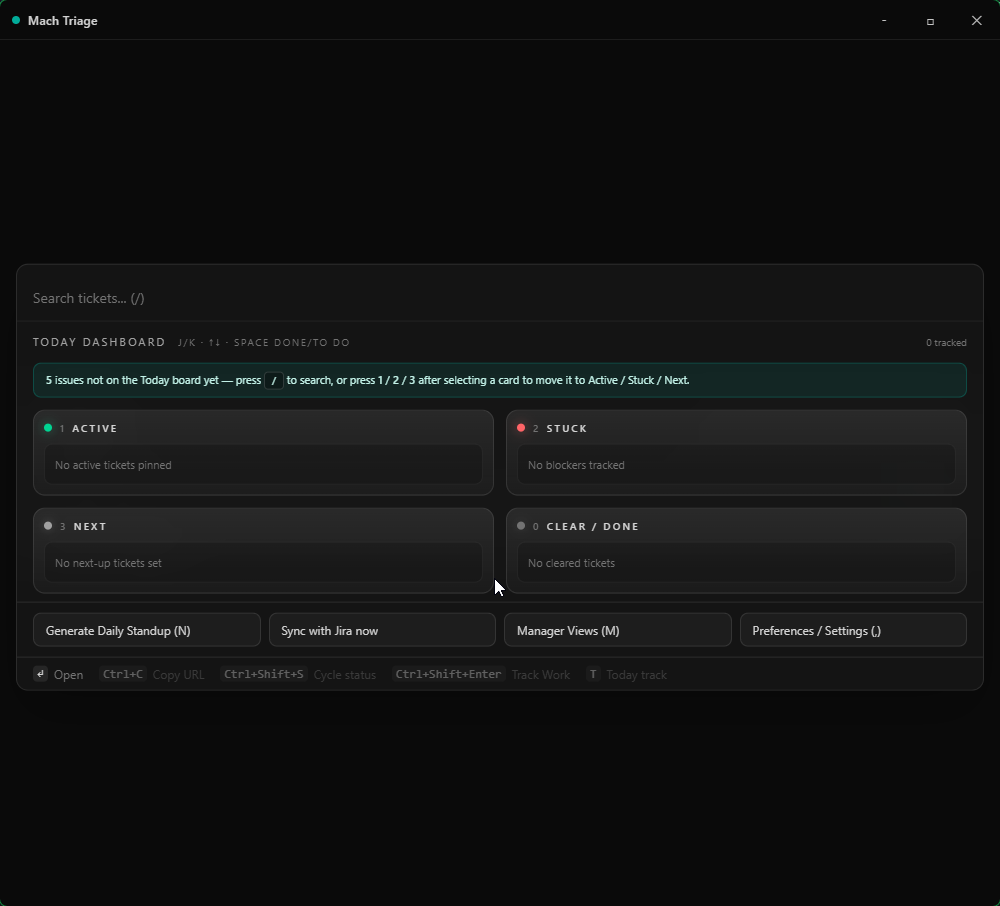
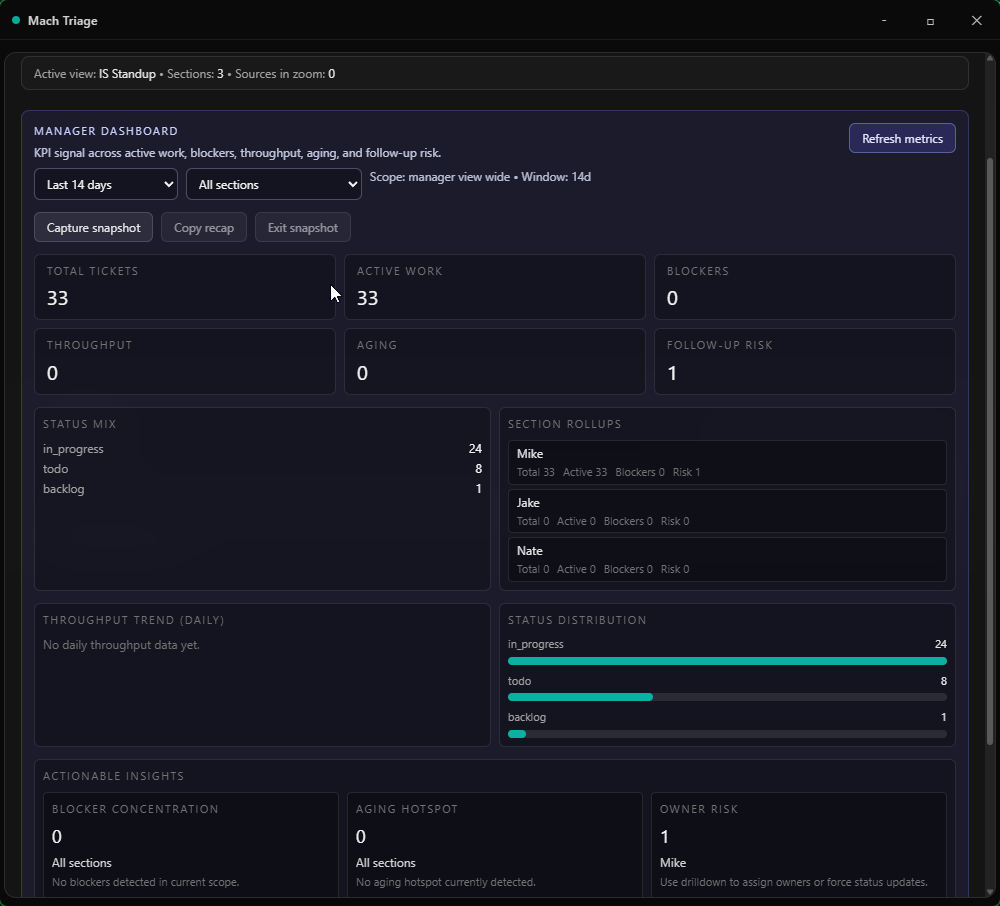
Prep standups without living in the browser: arrange work by sections, drill into a zoomed issue table, and move quickly with the keyboard.
Enable the bundled MCP server in Settings to give Claude, Cursor, Windsurf, and other MCP-compatible AI tools read/write access to your local tickets, work logs, and Armory, without routing data through any cloud. Free includes one workspace slot; Pro unlocks all workspaces and Armory search. MCP Server in the docs.