Local-first Jira, Linear, and GitHub triage
Runs on your machine with snappy search and filtering, no sluggish web UI in the middle.
 Mach Triage
Desktop-first execution workflow
Mach Triage helps leads and ICs triage work faster, generate standup updates, and keep context local-first across Jira, Linear, GitHub Issues, and local workspaces. Optional MCP server gives AI tools direct read/write access to your ticket data.
Runs on your machine with snappy search and filtering, no sluggish web UI in the middle.
Generate your daily updates with one click based on your actual ticket activity.
Manage multiple clients or instances from a single, unified keyboard-driven interface.
Product screenshots
Use the arrows, dots, or a left/right swipe. See the features page for a written walkthrough.
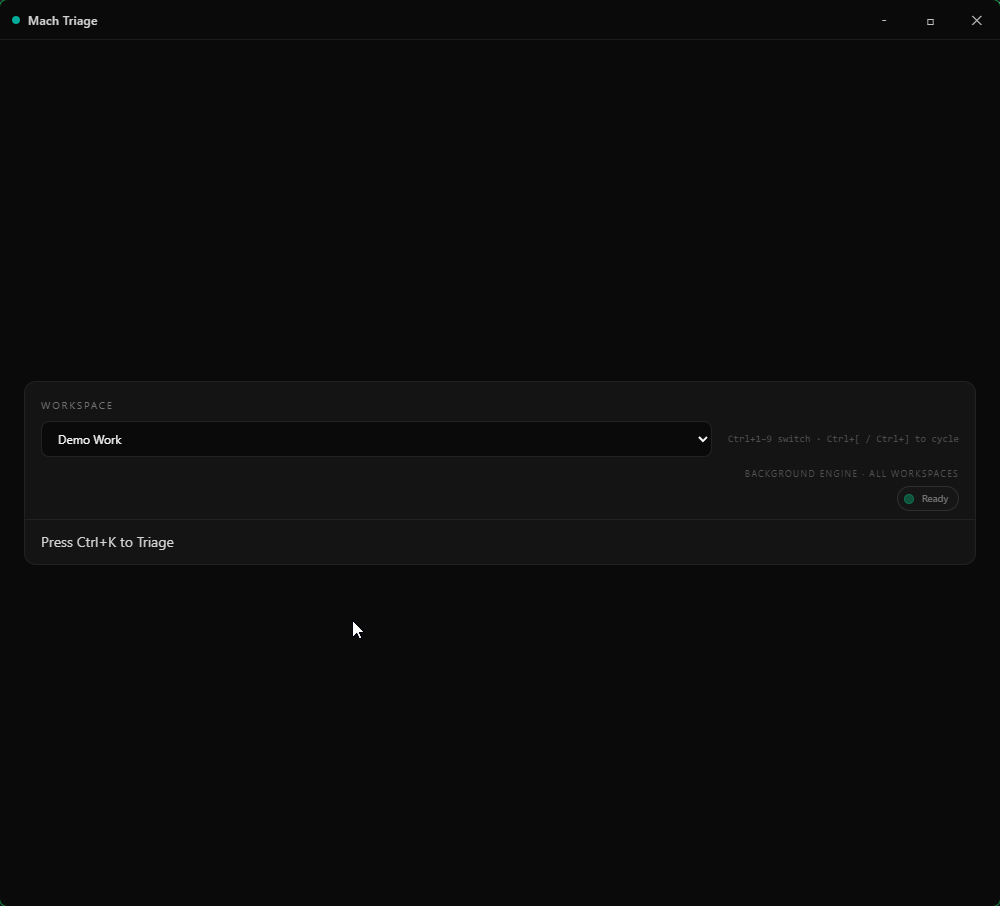
1 / 6Today board: see what matters without tab soup.
Free covers one workspace slot. Pro adds unlimited workspaces, one-tap sign-in, Manager View, Mach Armory, and full MCP server access.
$0
One Triage workspace slot plus free Armory local core (editor, search, preview, basic graph/templates).
$8/mo
Unlimited workspaces, Manager View, embedded Armory, and suite attach/pick/post.
$12/mo
Bundle: Triage Pro + Armory Pro at a discount for the full Mach suite.
Download the desktop app or sign in to connect your account.